Name the failure
Short casts mean reach. Missed reels mean handling. Long travel means the boat. Each points at a different purchase.
Discover fishing rods, explore fish species, find helpful guides, and uncover the world of Rod and Reef.
Rod and Reef is a Roblox fishing adventure from Shatterworks Inc. You explore four living islands, catch fish, sell the catch, and spend the coins on stronger rods, baits, and boats while you fill the Index. This independent wiki keeps reported codes, confirmed mechanics, and unpublished data in separate, labelled buckets so you always know what you are acting on.
Rod & Reef Wiki is an independent fan-made resource. It is not affiliated with or endorsed by Roblox or the Rod and Reef development team.
Five pages ordered by the date their sources were last checked. These are editorial reviews of public sources, not game patch notes.
Three Rod and Reef codes were reported active on 8 November 2026: RARRELEASE, ZAWADISGOAT, and NOVEMBER11. Rewards, steps, and what is unverified.
A first-session Rod and Reef plan: charge the cast, land the fish, sell the catch, and buy one upgrade you can justify. With the exact inputs.
Every Rod and Reef control from the official Roblox page: cast, reel, dive, Index, map, quests and combat, for PC, controller and mobile.
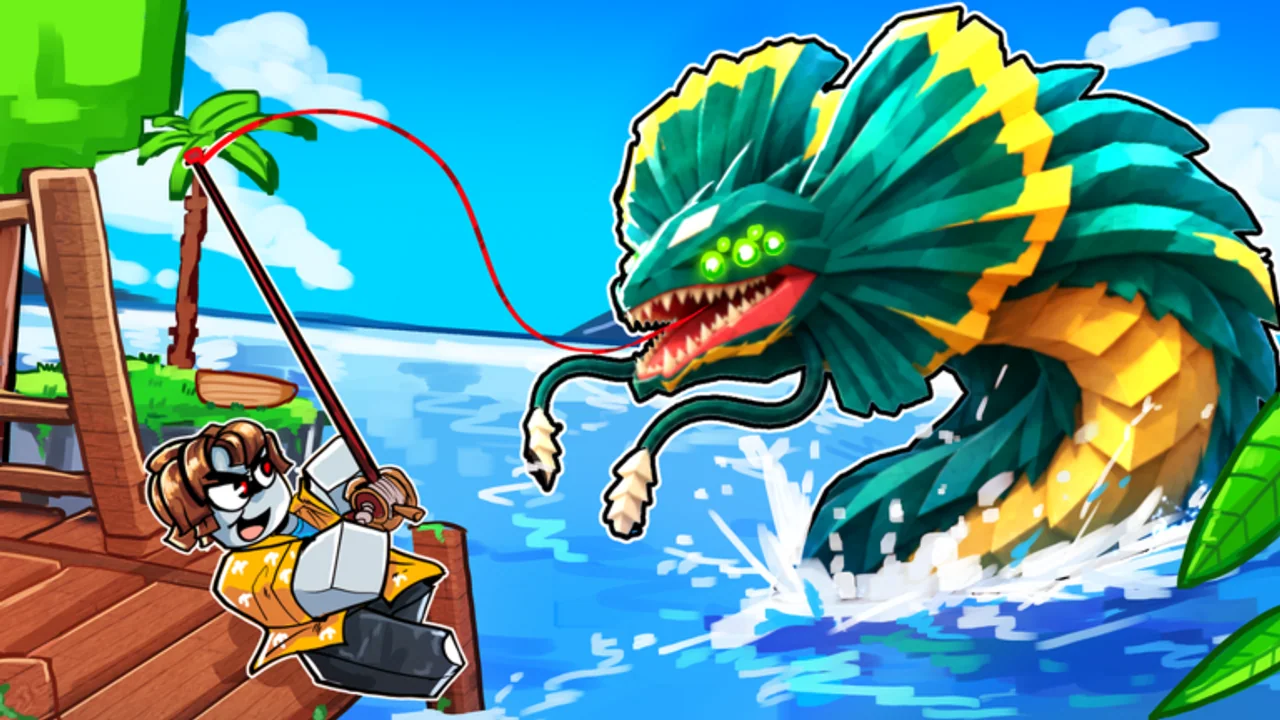
Rod and Reef has four living islands. The official description names Verdantis and icy Winterspire and says nothing about the other two.
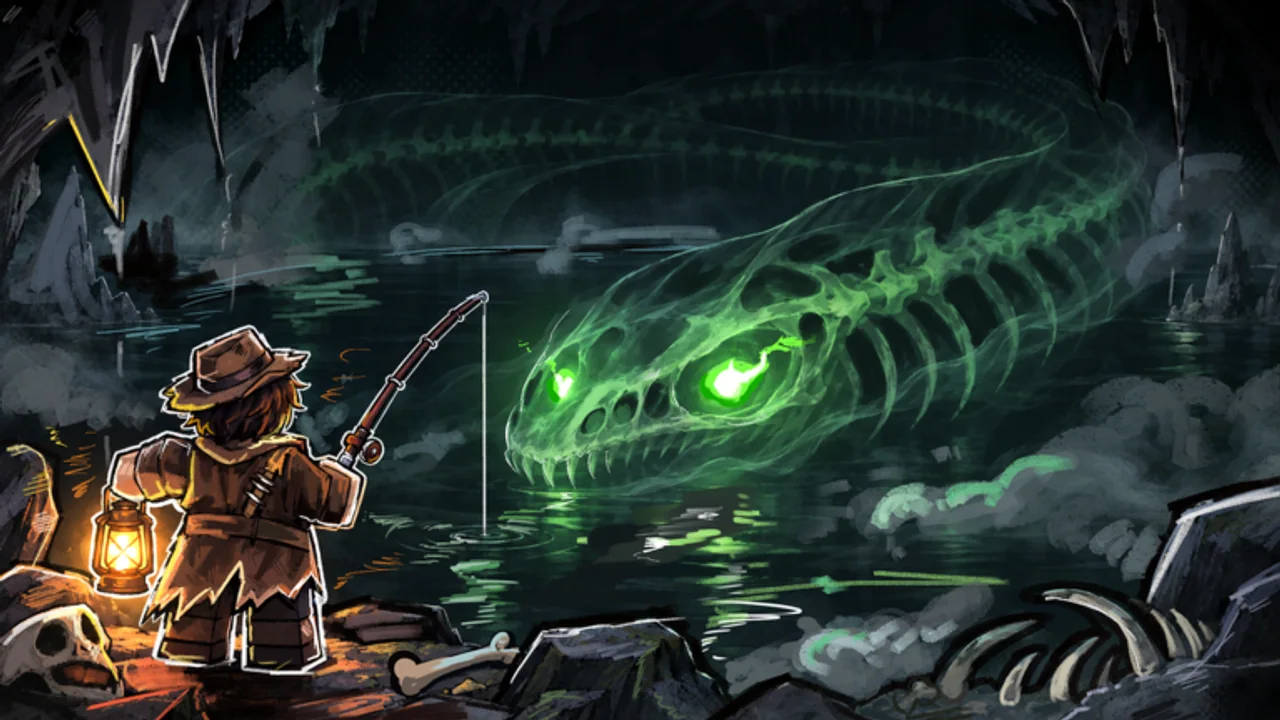
The Index is Rod and Reef's collection goal, and mythical Guardian fish carry stones that seal an ancient gate. What is confirmed, what is not.
Start with the code list, then the first-session loop. The island and Index guides explain what the official description does and does not confirm.
Three Rod and Reef codes were reported active on 8 November 2026: RARRELEASE, ZAWADISGOAT, and NOVEMBER11. Rewards, steps, and what is unverified.
A first-session Rod and Reef plan: charge the cast, land the fish, sell the catch, and buy one upgrade you can justify. With the exact inputs.
Rod and Reef has four living islands. The official description names Verdantis and icy Winterspire and says nothing about the other two.
The Index is Rod and Reef's collection goal, and mythical Guardian fish carry stones that seal an ancient gate. What is confirmed, what is not.
Learn one complete loop before chasing a named fish: charge a cast, land the catch, sell it, and buy a single upgrade you can justify. The first session is for information, not for the Index.
First-session goalLand a fish, sell it, and name whether reach, handling, or travel is limiting you.
For a first session where casts keep landing short.
You can repeat the same charge length and hit roughly the same water twice in a row.
For a player who gets bites but loses the fish.
The catch is confirmed in your inventory or Index before you move on.
For a player holding a full inventory and no spending plan.
One sell run gives you a number you can compare with the next run.
For a player ready to spend without guessing.
You can say whether reach, luck, or travel was the limit — and what to buy next.
Every price in Rod and Reef is read from the live shop. This wiki publishes no rod, bait, or boat prices because none are public yet.
Read the full beginner guideIncludes the control list for PC, controller, and mobile.Three codes were reported active by two independent trackers on 8 November 2026: RARRELEASE, ZAWADISGOAT, and NOVEMBER11. None has been redeemed by this site, so each one is labelled Reported rather than Verified. Copy a code, open the menu in the top-left corner, choose Codes, and submit it.
How codes are checked250 Coins
Reported · checked 12 Nov 2026
Destructoid and Pro Game Guides, 8 Nov 2026
2x XP for 10 minutes
Reported · checked 12 Nov 2026
Destructoid and Pro Game Guides, 8 Nov 2026
100 Coins
Reported · checked 12 Nov 2026
Destructoid and Pro Game Guides, 8 Nov 2026
A code list is only as good as its update stamp. Both trackers below were published on 8 November 2026.
Codes are case-sensitive. Use the copy button instead of retyping from a screenshot.
Open the menu in the top-left corner, choose Codes, and confirm the input exists before trusting a list.
A reward appearing in your session is the only thing that turns Reported into Verified.
Criteria: whether the step is confirmed by the official listing, whether it gates the next step, and whether a player can verify the result in one session. No drop rates, prices, or stat values are used because none are published.
Practise on the water you already have; do not buy gear to fix timing.
Sell prices are unpublished here, so treat any number as session-specific.
No rod, bait, or boat prices are published here; read the live shop.
Guardian names, locations, and spawn rules are not published yet.
Grades describe order of operations for a new player. They are not a measure of gear strength, rarity, or profit, and they will change once rod and fish data is published.
The official description says there are four living islands and names two of them: Verdantis and icy Winterspire. The remaining two have no published names, so they are described as unnamed instead of being given invented ones.
The first island named in the official description, at the green end of the published “from Verdantis to icy Winterspire” range.
Verdant by name; no official climate wording
Named in the official Roblox description
Shop stock, fish pool, quests, travel cost
The icy island named in the official description. “Icy” is the developer's own wording, so the cold theme is a confirmed detail rather than an inference.
Icy — stated in the official description
Named and described as icy by the developer
Fish pool, gear requirements, unlock order
Six systems are confirmed by the official Roblox listing. Each row separates what the game states from what is still unpublished, so a feature never looks bigger than its evidence.
Fishing, collection, quests, and combat are separate loops with separate gaps.
| The Index | Official description plus the I key binding | Total entries, rewards, completion bonus |
|---|---|---|
| Fishing | Official PC, controller and mobile controls | Catch table, bite timing, per-rod odds |
| Guardian fish | Official Roblox description | Names, locations, spawn conditions |
| Quests | Official description plus the J key binding | Quest list, NPC names, rewards |
| Boats and racing | Official description: unlock boats, race, duel | Boat prices, speeds, race rules |
| Orca and Kraken | Official Roblox description | Trigger conditions, damage, rewards |
The official description names three upgrade tracks — rods, baits, and boats — but publishes no prices. Use these three checks to spend on the item that removes the failure you actually saw.
Short casts mean reach. Missed reels mean handling. Long travel means the boat. Each points at a different purchase.
Open the shop and note the current cost of the exact item. Do not plan around a number from a video or an older list.
Buy a single upgrade, then repeat the same route so the new item is the only difference in the run.
The failure is repeatable, not a one-off.
The price fits the coins you already hold.
The same route can test the change.
The price is far above your current balance.
You cannot yet name what the item fixes.
Another upgrade is cheaper for the same failure.
Buy only when you can predict what the upgrade changes, then verify it on the route you already know.
A bad run is usually one of three problems: the cast misses, the reel fails, or the session never turns catches into progress. Match the symptom before you spend anything.
The charge is released too early, or the aim changes between casts.
Possible causeCast distance is charged, not fixed. Releasing early produces a short throw no matter which rod you own.
The bite happens, then the fish escapes before it reaches the inventory.
Possible causeThe reel input is also used for dialling and attacking, so a missed prompt or a wrong input loses the catch.
The inventory fills, yet the balance stays too low for the next upgrade.
Possible causeEither the catch is never sold, or coins are spent on upgrades that do not address the current limit.
Finish a session with three observable results: a landed catch, a balance that grew, and one upgrade you can justify. Anything else is exploration, which is fine — just do not call it progress.
Hold the cast input to charge, then release. On PC that is left click; on a controller it is RT; on mobile it is the on-screen button.
Hold the input instead of tapping it.
Repeat one charge length before adding distance.
Confirm the float is where you intended.
The cast lands in the same patch twice, so the next variable you change is meaningful.
Reel with the same input family you used to cast. Once the catch is confirmed in your inventory, sell routine fish before you travel again.
Your balance is higher and you know roughly how many coins one trip produces.
The official description names stronger rods, baits, and boats as unlocks, and asks you to complete the Index. Spend on the limit you observed, then log the new species.
Buy when the item fixes a failure you can name.
Delay when the price dwarfs your balance.
Change either the gear or the route, never both, so the comparison stays readable.
The loop is complete when each stage leaves evidence you can act on next session.
Rod and Reef is a Roblox fishing adventure developed by Shatterworks Inc. The official description says players explore four living islands, catch fish, unlock stronger rods, baits, and boats, complete an Index, take on quests and hidden secrets, race boats, duel friends, escape an orca, and face the Kraken.
Three codes — RARRELEASE, ZAWADISGOAT, and NOVEMBER11 — were reported active by Destructoid and Pro Game Guides on 8 November 2026. This site has not redeemed them, so they stay labelled Reported. If one fails in your session it may simply have expired.
The official description says four living islands and names two: Verdantis and icy Winterspire. The other two have no published names, so this wiki does not list them.
Because no verified source publishes one. The game launched in November 2026 and the third-party wiki pages for rods and fish still show TBA placeholders. Publishing invented names, prices, or drop rates would be worse than saying the data is not available, so those pages stay unindexed until real records exist.
On PC you hold left click to charge a cast, release to throw, then left click to reel. WASD moves, Shift sprints, E interacts, Q and E dive and surface, and M, B, J, and I open the menu, map, quests, and Index. Controller and mobile use different bindings, listed in the controls guide.
No. Rod & Reef Wiki is an independent fan-made resource. The Roblox experience page and the developer's own channels remain the authority for the game, purchases, and announcements.